After the hype of Apples iPad and my Research about its advantages and disadvantages i decided to get the more open German Version of the company 4teetoo. Normally i would not have gotten such Hardware but my company decided to test it and find out more about its usage and if it is possible to develop products for it. So, today it arrived.
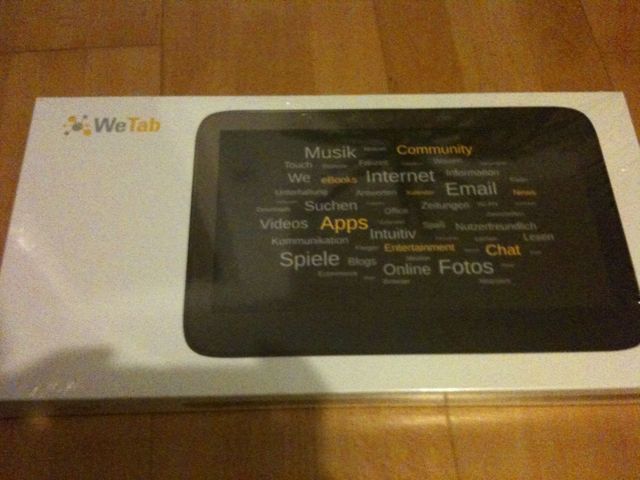
I will not post the details because they can be found more exact in the Internet. The Version i have is the one with UMTS and GPS.
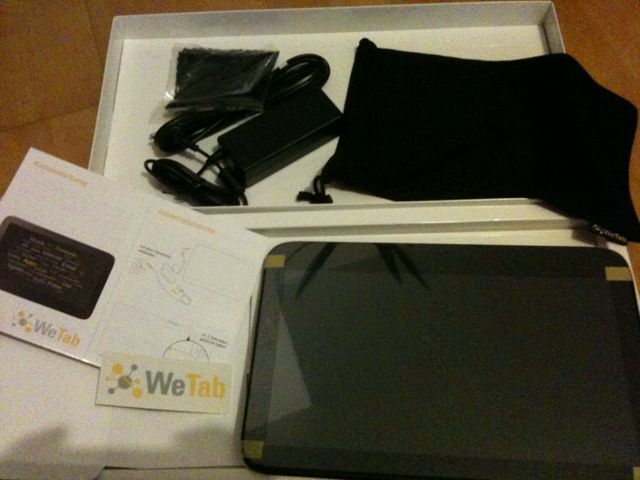
After opening the box you see the backside of the wepad. The box also includes the charger, wich is too big for such computer but a small Version of a regular Notebook. Additionally, there is a rag to wipe the display – giving an impression of what to expect after touching the display – and a simple thin cotton cover bag which will only protect the wepad from scratches but not more.
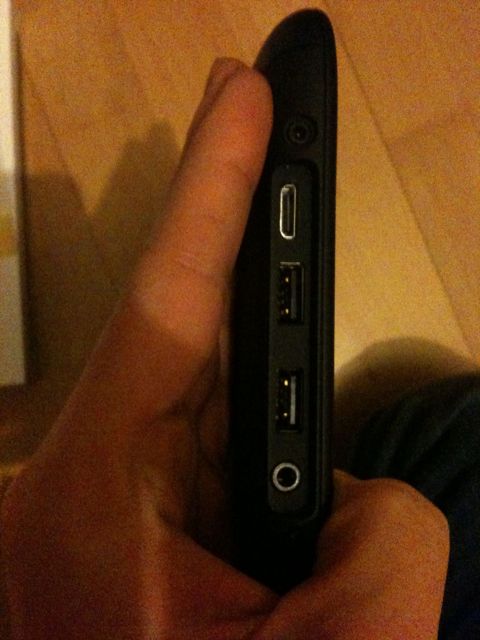
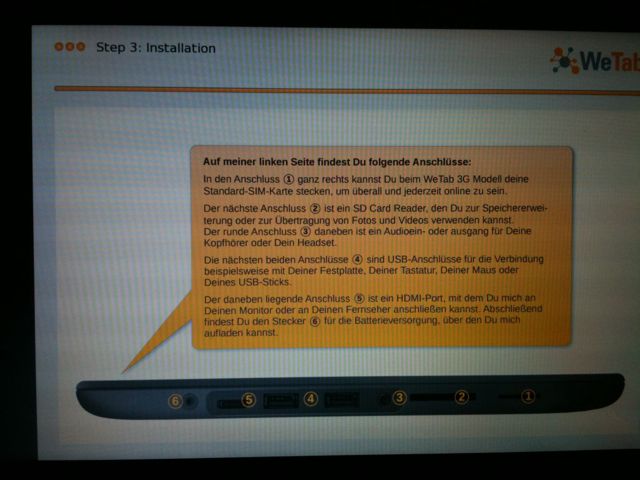
Lifting it the first time shows that it is good quality. The backside is most likely made from metal and feels like this rubbery paint – very nice. The only drawback is that it is less easy cleaned from greasy stains. Holding it left and right with the hands Works well. Again, sadly on the left side at the connection bar, there is the edge Making a unnatural feeling. But thinking about where to put the Connection bar (for usb, HDMI, headphones etc.) i don’t think there is a better place, since the cables would always Be in the way. Maybe the upper side would be a possibility but in the end it could also lead to problems.
Let’s turn it on: the button is on the back of the wepad just about an inch way from where your left pointing finger naturally lays when holding the wepad. Very good!
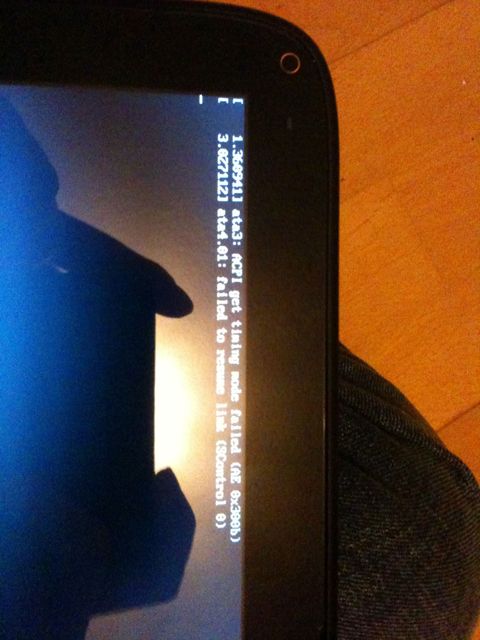
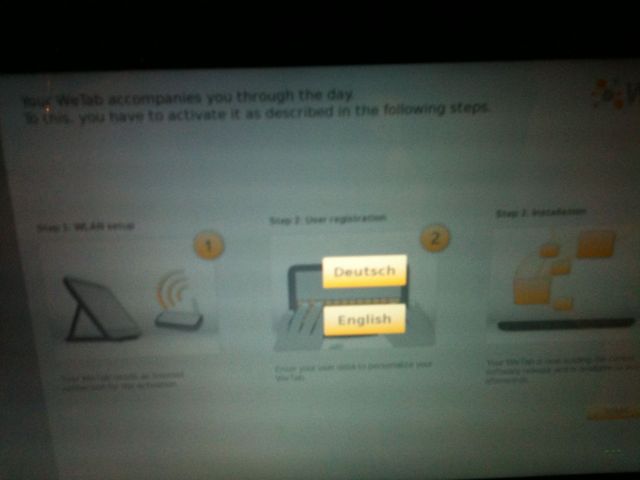
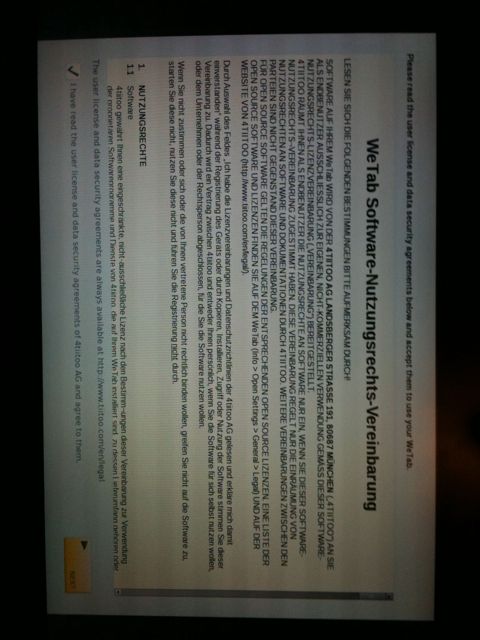
The first screen shows that it is a Linux System :). The screen shows some acpi messages, which might lead to the conclusion that there can be some tweaks for a longer runtime – just a wild guess. It Takes about 45 seconds to finally See the Welcome screen. After choosing a language ( English or German) you Need to activate/register. For some reasons after starting the registration the wepad requests power cord before continuing. This is probably because Updates will Be loaded and installed.
The connection to the wifi is easy. Doing the registration i can not enter a company’s name. Specially sad is that typing into the fields, there is no automation to make the first letter a capital one, like it is standard in mobile Devices for ages. (please fix this). Also the password text field entries are not hidden like normally. They turn to asterisks after leaving the field.
While installing the new updates, the cooling system starts spinning. It is very silent. We will see how this develops when using the wepad. Also, there is a sideshow with Information about how to use the wepad. This is Done very well and i hope i can Watch it later again… I do!
After using the wepad my first Impression is not breathtaking but promising. The Linux underneath allows One to install many applications. The available official ones are enough for the start. Not having hd supported Flash Player is a flaw for now but it will Change soon. The biggest drawback right now is that only the “native” apps support the touch features flawless. Other apps like Skype work well (with Front Camera) but feel a little like a foreign piece of software.
What else to say?
I am not entirely amazed by this hardware right now. Too many things still have to Be done but i am Looking forward to see improvements. The iPad is Not a competitor in my opinion since it is totally closed but i need to say that right now, the wepad is not really ready for mum and dad.